
How to replace SR-1 coverings.
Please prepare following items.

 |
 |
||
1. Take out the selftimer screw with sharp-pointed plier |
2. After you take out the cover screw, you can find 3 selftimer parts. Do not lose any of them. |
||
 |
 |
||
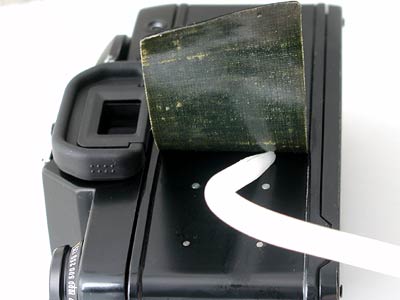
3. Start removing from the edge with flat head screw driver. (The photo avove is not SR-1) |
4. remove old covering with your hand. |
||
 |
|||
You could drop alcohol on old glue, it will be easier to remove the skin. (The photo avove is not SR-1) |
|||
 |
 |
||
5. You could see like this after removed old coverings. |
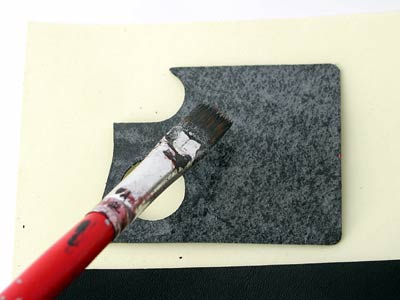
6.Sand the surface if old cement remaind on the body. |
||
 |
|||
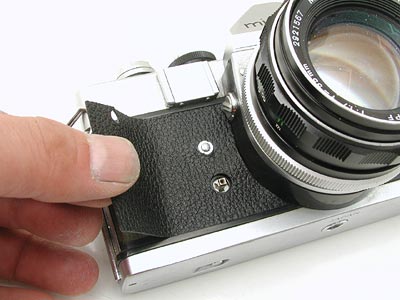
You could rub a little alcohol on new covering (reverse side/sticky side), install will be easier. The alcohol delays the adhesion and allows you time to position and adjust the skin. Do not use alcohol for Screwmount Leica emboss leather. it kills adhesion. |
|||
 |
 |
||
7. Start installing. |
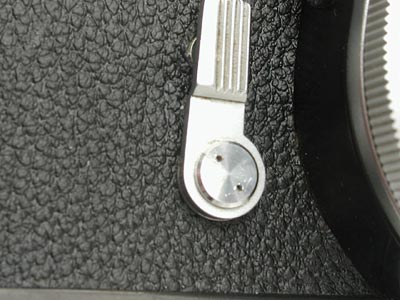
8. Place the selftimer again as it was. |
||
 |
 |
||
9. Turn on the selftimer cover. |
10. Open the backdoor. | ||
 |
 |
||
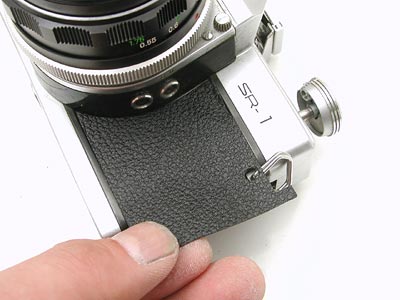
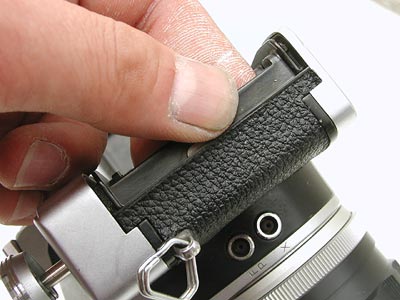
11. Apply right-front side. |
12. Squeeze the narrow part with your nail. |
||
 |
 |
||
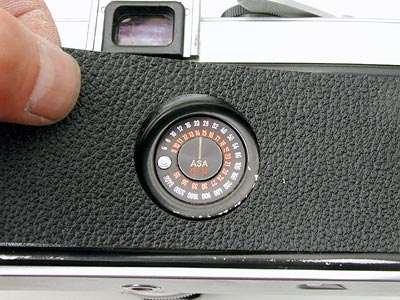
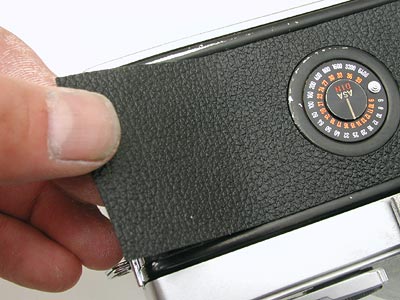
13. Close the backdoor and apply from the film reminder. |
14. Apply along the edge. |
||
 |
|||
15. Finished. |